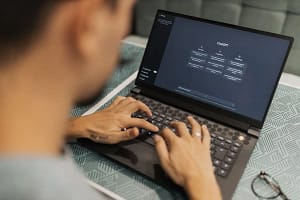
Online learning can be a safe, positive and engaging experience for children when the programme, technology and home environment are planned carefully. However, it is completely reasonable for parents and carers to have questions before signing their child up for an online club or class.
Important areas to check include safeguarding procedures, tutor checks, who can join sessions, how chat and screen sharing are managed, whether sessions are recorded, and what personal information is collected.
Online safety is a shared responsibility. Depending on a child’s age and independence, parents may want to set up the device, check the link before the first session, stay nearby and agree rules for passwords, cameras and chat.
Web3sy delivers live online clubs and workshops through Zoom, with small groups and DBS-certified tutors. Parents should review the latest safeguarding, privacy and participation information before booking.
From safeguarding and tutor checks to cameras, chat functions and personal data, there are several things worth considering.
1. Check the organisation’s safeguarding arrangements
One of the first things parents should look at is how the organisation approaches safeguarding.
Before booking, consider asking:
- Does the organisation have a safeguarding policy?
- Who is responsible for safeguarding?
- What should a parent do if they have a concern?
- Are tutors and other adults working with children appropriately vetted?
- Are there clear procedures for managing inappropriate behaviour?
For online classes, safeguarding should not stop at having a policy on a website. Organisations should also consider how those policies work in the actual online environment.
At Web3sy, for example, our live online clubs and workshops are delivered in small groups by DBS-certified tutors. Parents should always review the latest safeguarding and participation information before booking.
2. Ask about tutor and staff checks
Parents may understandably want to know who will actually be teaching their child.
Depending on the organisation and the nature of the programme, this may include appropriate background checks, safeguarding training and procedures for supervising children.
It is also worth asking whether tutors are working alone or whether there are additional adults involved in managing the session.
A useful question to ask is:
“Who will be in the online session with my child, and what checks have they completed?”
3. Understand how the online classroom works
Not every online class works in the same way.
Before your child joins, find out:
- Which platform is being used?
- Will children use cameras?
- Is the microphone muted by default?
- Can children send private messages?
- Can participants share their screens?
- Who controls the meeting?
- What happens if someone behaves inappropriately?
These details can make a significant difference to the safety and experience of an online class.
For example, a tutor-controlled session where children cannot privately message one another may provide a different environment from an open video meeting where participants have more control.
4. Find out whether sessions are recorded
Recording can be useful in some educational settings, but parents should understand when and why it happens.
Ask:
- Are sessions recorded?
- Why are they recorded?
- Who can access recordings?
- How long are recordings retained?
- Are children visible or identifiable?
- Can parents opt out where appropriate?
An organisation should be able to explain its approach clearly rather than leaving parents to guess.
5. Think about personal information
Online classes may require some information about a child and their parent or carer.
This could include a child’s name, age, email address or information needed to administer the programme.
Parents should feel comfortable asking:
“What information do you collect about my child, and what do you use it for?”
It is also worth checking the organisation’s privacy information so you understand how personal information is handled.
6. Consider your child’s home environment
Online safety isn’t only the responsibility of the organisation.
Parents and carers can also help children have a safer and more positive experience by:
- Setting up the device before the first session
- Helping children understand the class rules
- Checking the joining link before the session
- Agreeing when cameras and microphones should be used
- Talking to children about passwords and personal information
- Staying nearby when appropriate for the child’s age and independence
- Making sure children know who to tell if something makes them uncomfortable
Older children may be able to manage more of this independently, while younger children may benefit from more parental involvement.
7. Talk to your child about online behaviour
Children should understand that the same basic rules of kindness and respect apply online as they do in person.
Before an online class, it can be useful to talk about:
- Not sharing personal information
- Keeping passwords private
- Treating other participants respectfully
- Not taking screenshots or recordings of other children
- Telling a trusted adult if something feels wrong
- Speaking up if another participant behaves inappropriately
The aim isn’t to make children fearful of technology. It is to help them become confident and responsible digital participants.
8. Remember that online learning can have real benefits
Online safety is important, but it shouldn’t mean that children miss out on the opportunities technology can provide.
Well-designed online learning can allow children to explore subjects that may not be available through their school or local community, meet other young people with similar interests and develop valuable digital skills.
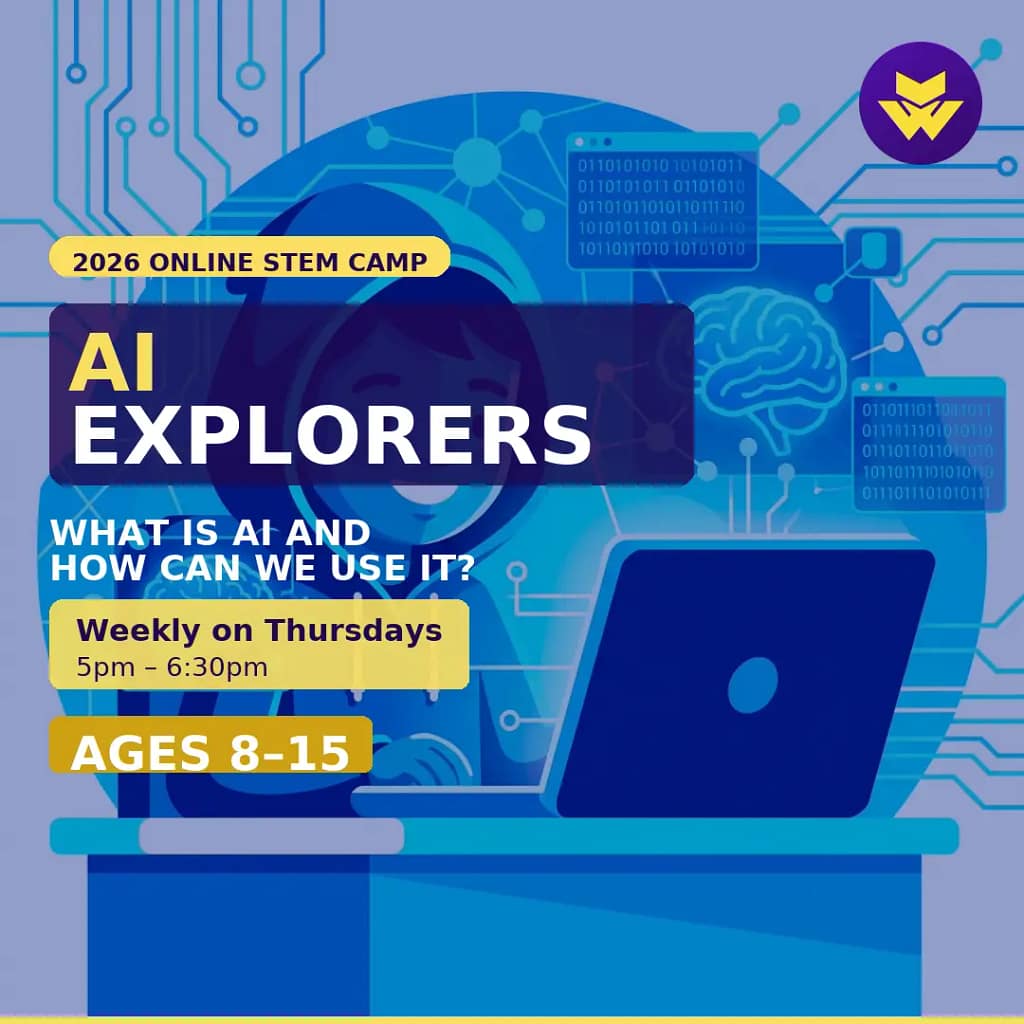
For STEM subjects in particular, online classes can give children the opportunity to experiment with areas such as artificial intelligence, web development and other emerging technologies from home.
At Web3sy, we deliver live online clubs and workshops through Zoom, using small groups and DBS-certified tutors. Our aim is to help children explore emerging technology in a supportive, interactive environment.
A simple checklist for parents
Before signing your child up for an online class, ask:
☐ Who is teaching my child?
☐ What safeguarding procedures are in place?
☐ What checks have tutors completed?
☐ Which platform is being used?
☐ Can children privately message each other?
☐ Are sessions recorded?
☐ What personal information is collected?
☐ What happens if there is a safeguarding concern?
☐ What does my child need to do if they feel uncomfortable?
☐ What can I do at home to support my child’s online safety?
Online learning doesn’t have to be intimidating. With the right safeguards, clear communication and appropriate parental support, online clubs and classes can be a safe and positive way for children to learn, create and develop their confidence with technology.
Parents should always take the time to understand how a programme operates before booking and should contact the provider if they have questions about safeguarding, privacy or participation.
Take a look at our current programmes:
Products by Category
-

AI Explorers
£85.00 -
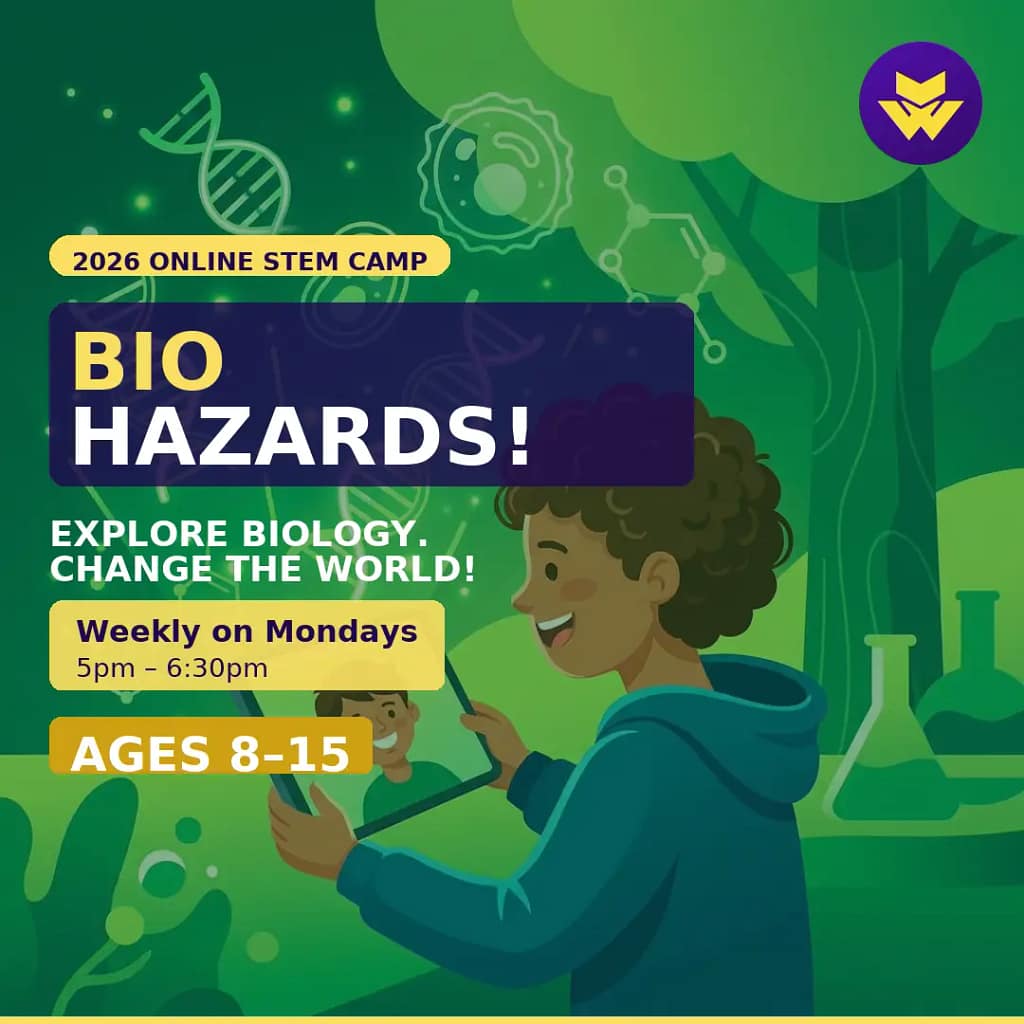
Bio Hazards
£85.00 -
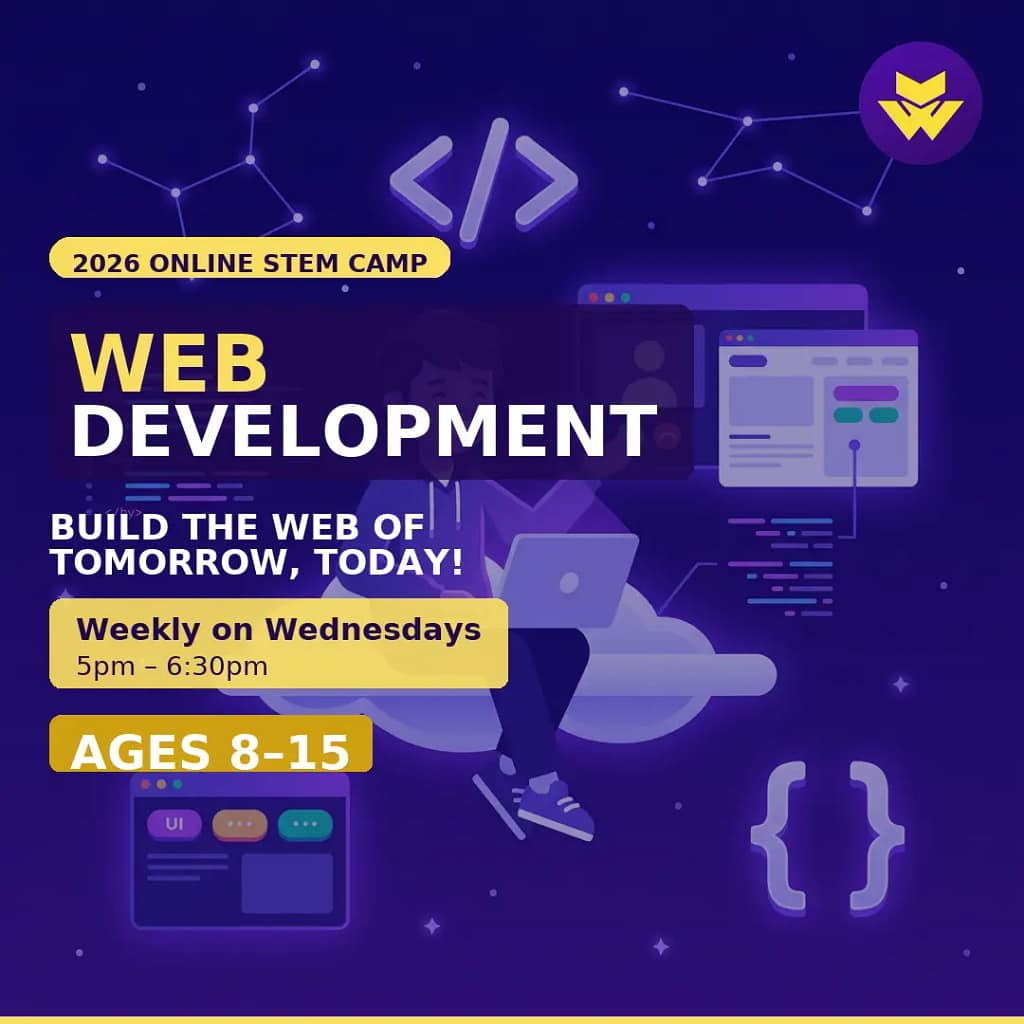
Build the Web!
£115.00 -
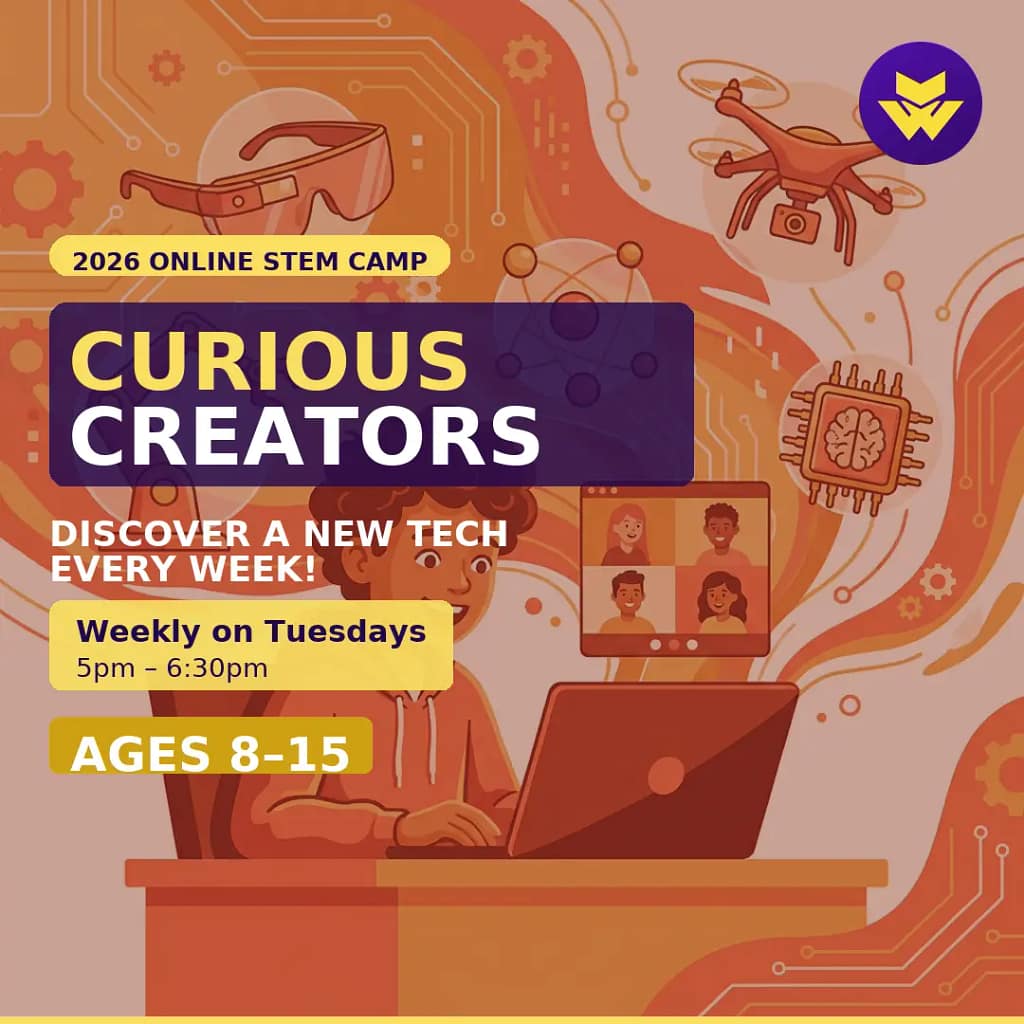
Curious Creators
£85.00 -
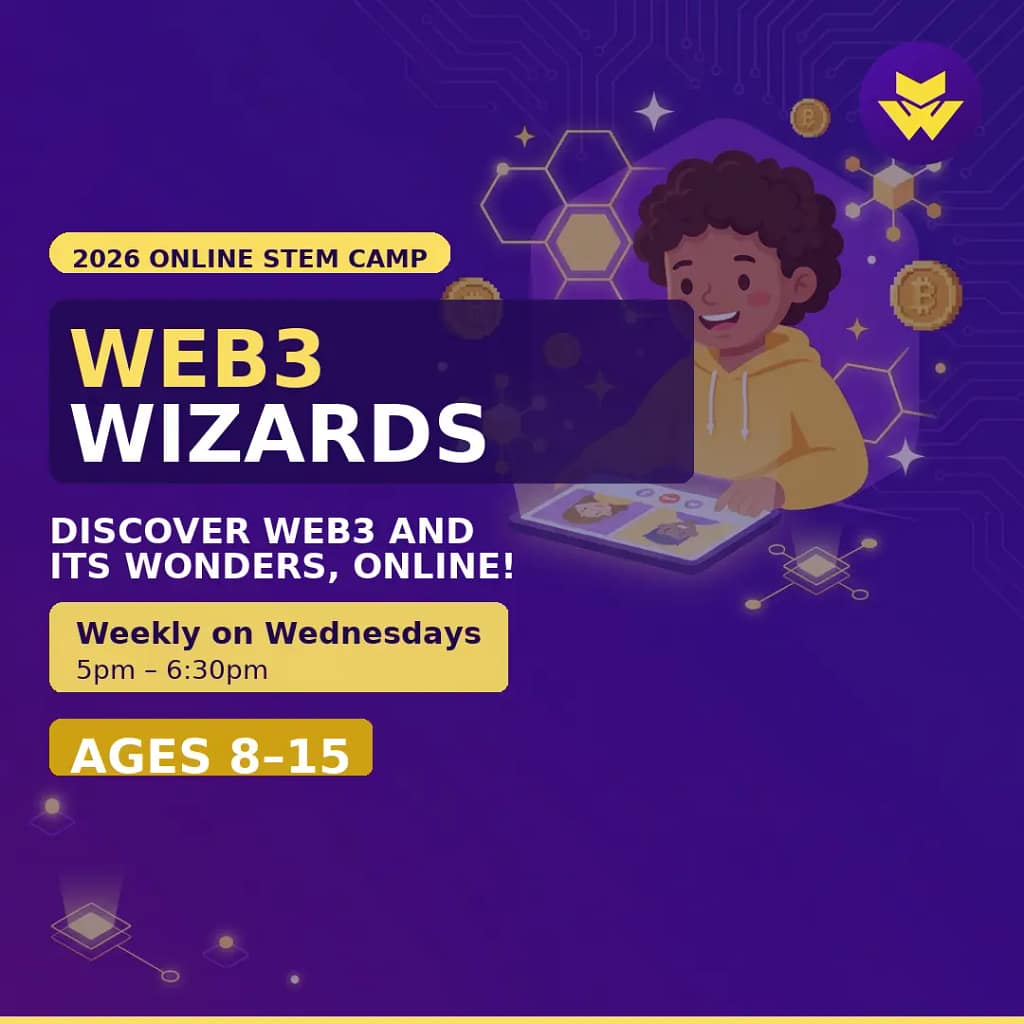
Web3 Wizards
£85.00 -
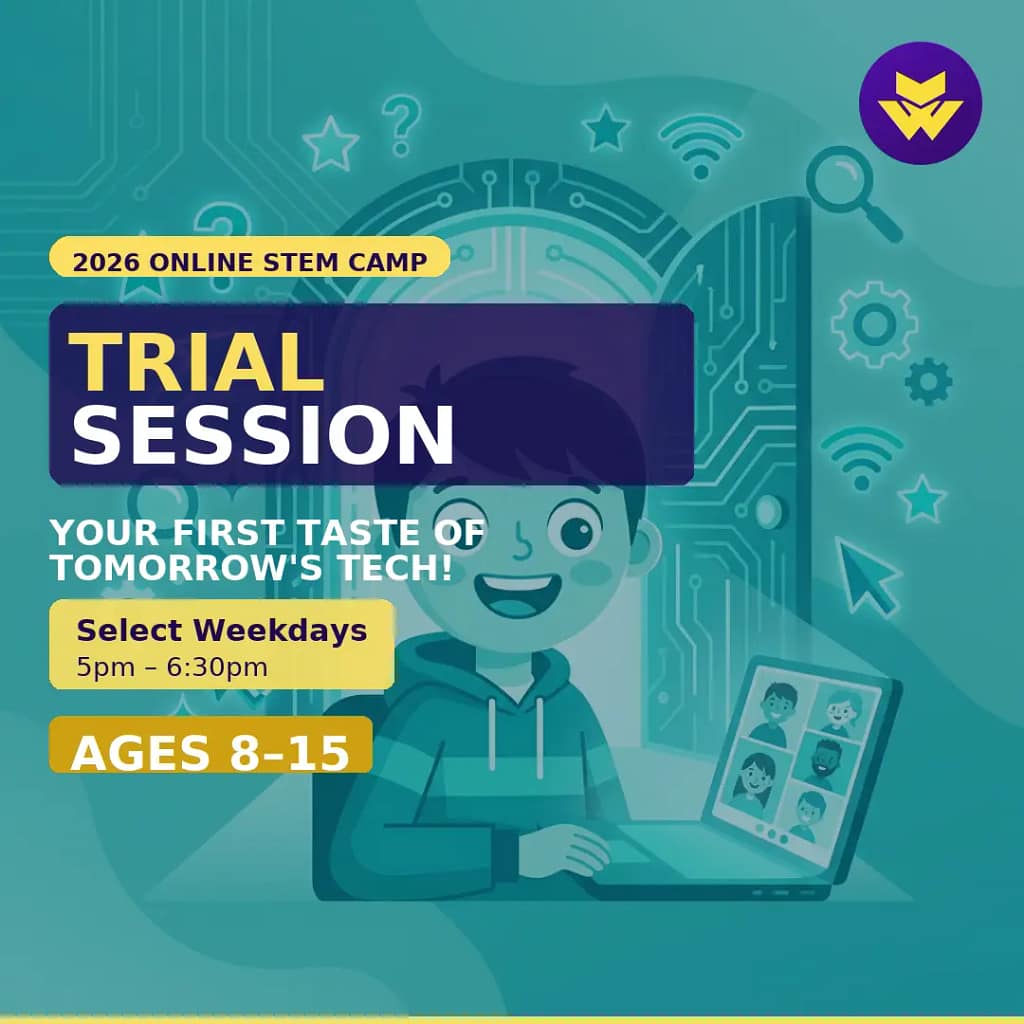
Web3sy Trial Session
Original price was: £35.00.£25.00Current price is: £25.00.
#OnlineSafety #Safeguarding #ChildSafety #OnlineLearning #DigitalWellbeing #EducationTechnology #STEMEducation #Web3sy